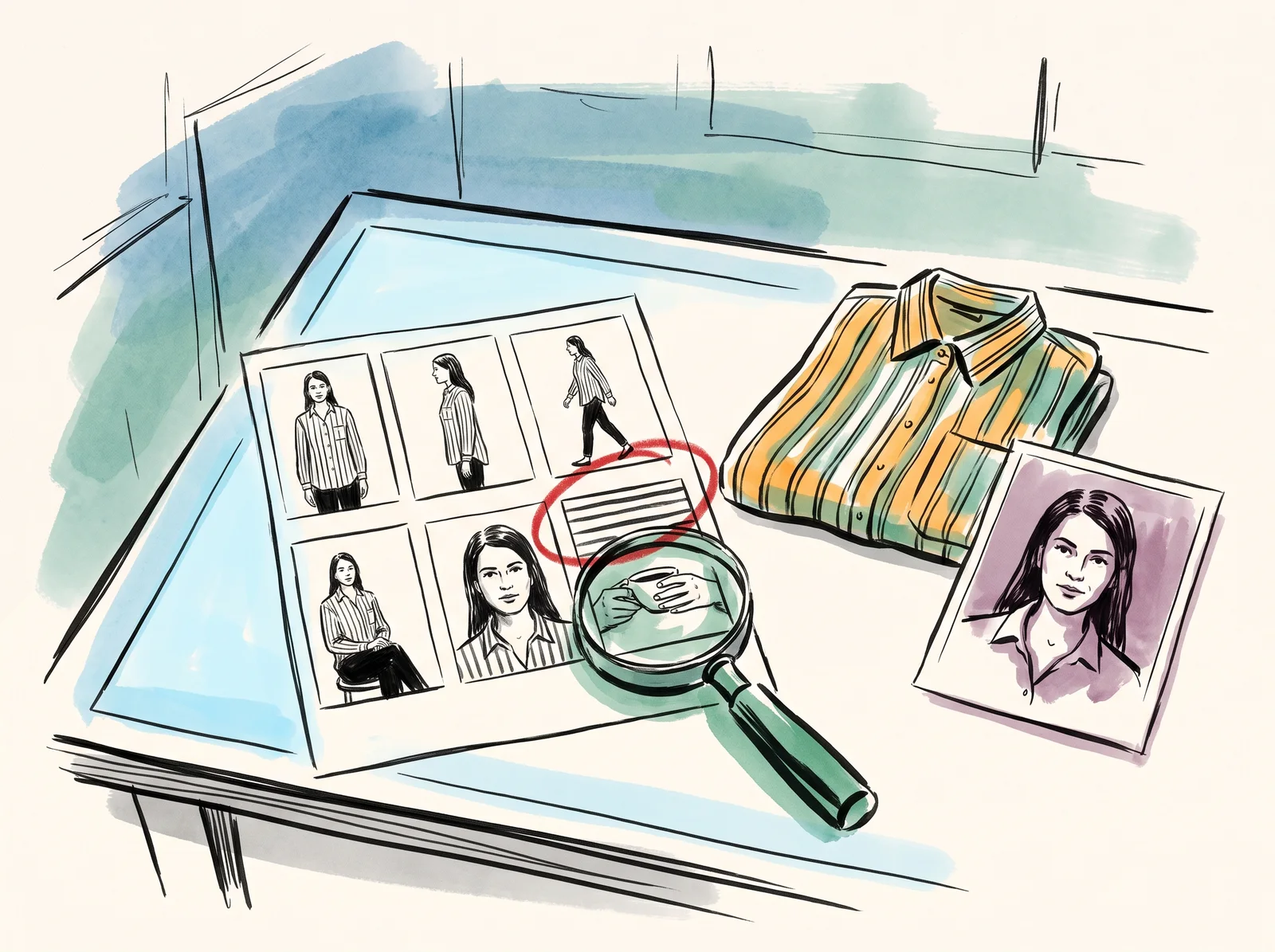
A skill that makes Claude run a model shoot for your clothes or your product. You give it the garment or the product, and either a description of the person you want or photos of a model you are allowed to use. It casts, plans the poses and the coverage, and writes finished prompts for your image tool that keep the garment exactly as it is and keep one person looking like the same person from shot to shot.
It carries the studio's realism rules for people: skin with its pores and marks left in, eyes that catch the light, hands with the right number of fingers holding things with real grip, hair that falls with weight. There is a casting guide, and separate notes for beauty close-ups, fashion editorial, activewear, hands with a product, everyday lifestyle pictures, and swimwear and lingerie, which need the most care. When you paste the results back, it checks faces, hands and the garment, and writes the fix.
It holds one line firmly. It will not copy a real person's face without their permission, and it will not cast from a named person. You can reproduce your own model from photos they agreed to, or invent someone new.
Claude skill · version 1.0
Model photo shoot
Checking your access.
In the download · 10 files
- SKILL.mdThe whole shoot: intake, consent and likeness, casting, the realism rules, the product on the model, one face across a set, the coverage set, prompts and the review.
- README.mdHow to install it in claude.ai or Claude Code, how to start, and the licence.
- casting-fundamentals.mdRealism feature by feature (skin, eyes, hands, teeth, hair), casting a new person, and real, varied bodies.
- casting/beauty-closeup.mdClose-ups where skin is the product: the light, application moments, dew rather than grease.
- casting/fashion-editorial.mdGarments worn and moving: fit, drape and fashion posing.
- casting/fitness-activewear.mdReal effort: sweat, shutter speed, and products in use during training.
Install it and begin
01Install it in Claude CodeTerminal mkdir -p ~/.claude/skillsunzip ~/Downloads/model-photo-shoot.zip -d ~/.claude/skills/# Start it with /model-photo-shoot. If this is your first skill, type /reload-skills once.On claude.ai there is nothing to unzip: upload the zip as it is. Every step is on Install and use a Claude skill.
02Your first message to ClaudeText Use the model photo shoot skill. I have attached photos of [GARMENT OR PRODUCT]. I want [NUMBER] pictures for [WHERE THEY WILL RUN]. The model should be [AGE RANGE, LOOK AND FEEL], or use the attached photos of our model, who has agreed to this. I make images with [YOUR IMAGE TOOL]. Cast and plan first, then give me the prompts one shot at a time.Photograph the garment flat or on a hanger in daylight, with the print and the details visible.
Side by side
claude.ai or Claude Code
| claude.ai | Claude Code | |
|---|---|---|
| How it goes in | Customize, then Skills, then the + button, Create skill and Upload a skill. Select the zip as downloaded. | Unzip it into ~/.claude/skills/ with the command on this page. |
| How you start it | Ask for a model shoot in a new chat; Claude reads the skill when the request fits. | Type /model-photo-shoot, or ask for a model shoot in the session. |
| Your photos | Attach them to the message. | Put them in the project folder and name the files in your message. |
| What it needs switched on | Code execution, in your settings. | Nothing further; it is available in every project on that computer. |
What to do it with
- ClaudeFree tier, paid above it
A language model that writes, edits, reads long documents and runs tools, including agents that work inside a codebase.
Bad at It is agreeable by default, so it will improve a bad idea instead of telling you it is bad. Ask it to argue against you and the quality of the answer changes.
- Claude CodeSubscription
An agent that reads a whole repository, edits files, runs the tests and explains what it changed.
Bad at It is fast enough to make a large mistake quickly. Work on a branch, read the diff, and never let it push. Watch the starting mode: on Pro, Max and Team plans it opens in auto mode, which Anthropic's own list says may read a .env file and send the key in it to the API that key belongs to. Switch it off.
- Google AI StudioFree tier, paid above it
Where Gemini API keys, projects, billing and spend caps are made, with a playground for the models.
Bad at Free-tier prompts are used to improve Google's products, and the billing screens changed several times in 2026.
- GPT ImagePay per use
Generates and edits images with unusually good instruction-following, and can hold text inside a picture better than most.
Bad at Faces drift between generations unless you feed a reference every time. Skin can come out plasticky at default settings, and a heavy fidelity setting costs many times more and takes many times longer.
Why it matters
Most AI model pictures fail in the same three places: the face drifts between shots, the hands go wrong, and the garment quietly changes its print or its buttons. The skill checks those three every time, because a customer notices each of them.
- Type
- technique
- Period
- ongoing