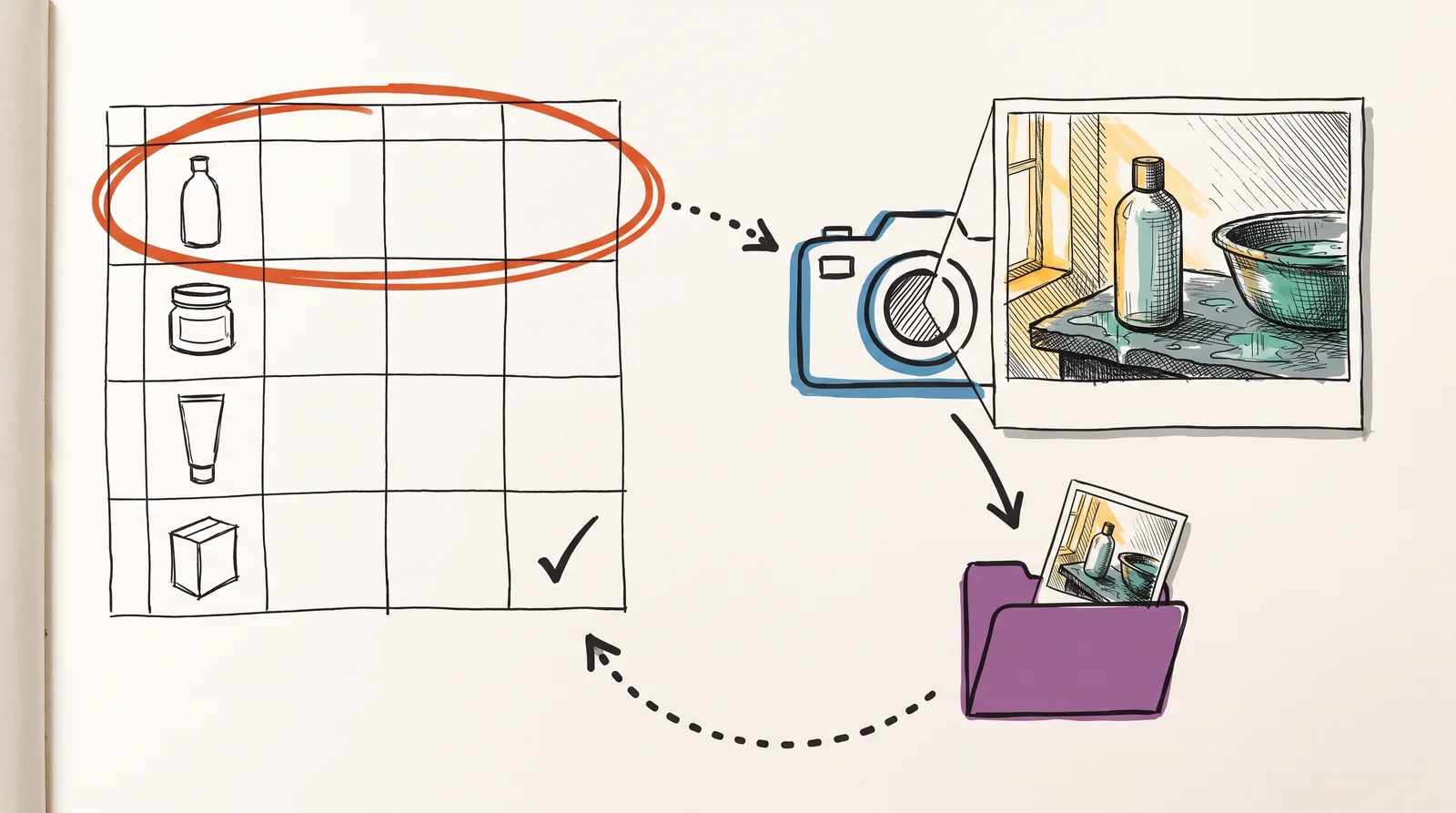
Fill a Google Sheet with one product per row: its name, a link to a clean photo of it, and the scene you want. Run the workflow and Gemini's image model, Nano Banana 2, shoots each product into its scene while keeping the pack, the label and every word on it as they are in your photo. Each picture is saved to a Drive folder and its link is written back into the row, so the sheet becomes the record of what was made.
The rest of this is in the AI toolkit.
You have read the opening. The rest of it comes with the AI toolkit, a single payment for everything on the AI tools and prompts card.
Lifetime access includes the AI toolkit. A course membership does not.
- Every n8n workflow, to copy or download
- Every prompt for a campaign, a product shoot and a model shoot
- All 53 Claude skills, ready to download
- Everything added to AI tools and prompts in future
Price
$19₹999 + GST, a single payment with no renewal.