Interface design is the work of deciding how a piece of software behaves for the person using it. It covers the flow through a task, the screens along the way, the components they are built from, the words on every button, and the states nobody photographs, such as an empty inbox or a failed payment. Machines now touch almost all of it. They draw screens, write labels, turn a design file into code and sum up interview notes. This lesson looks at what that changed, what it left alone, and how the people who do this for a living have adjusted.
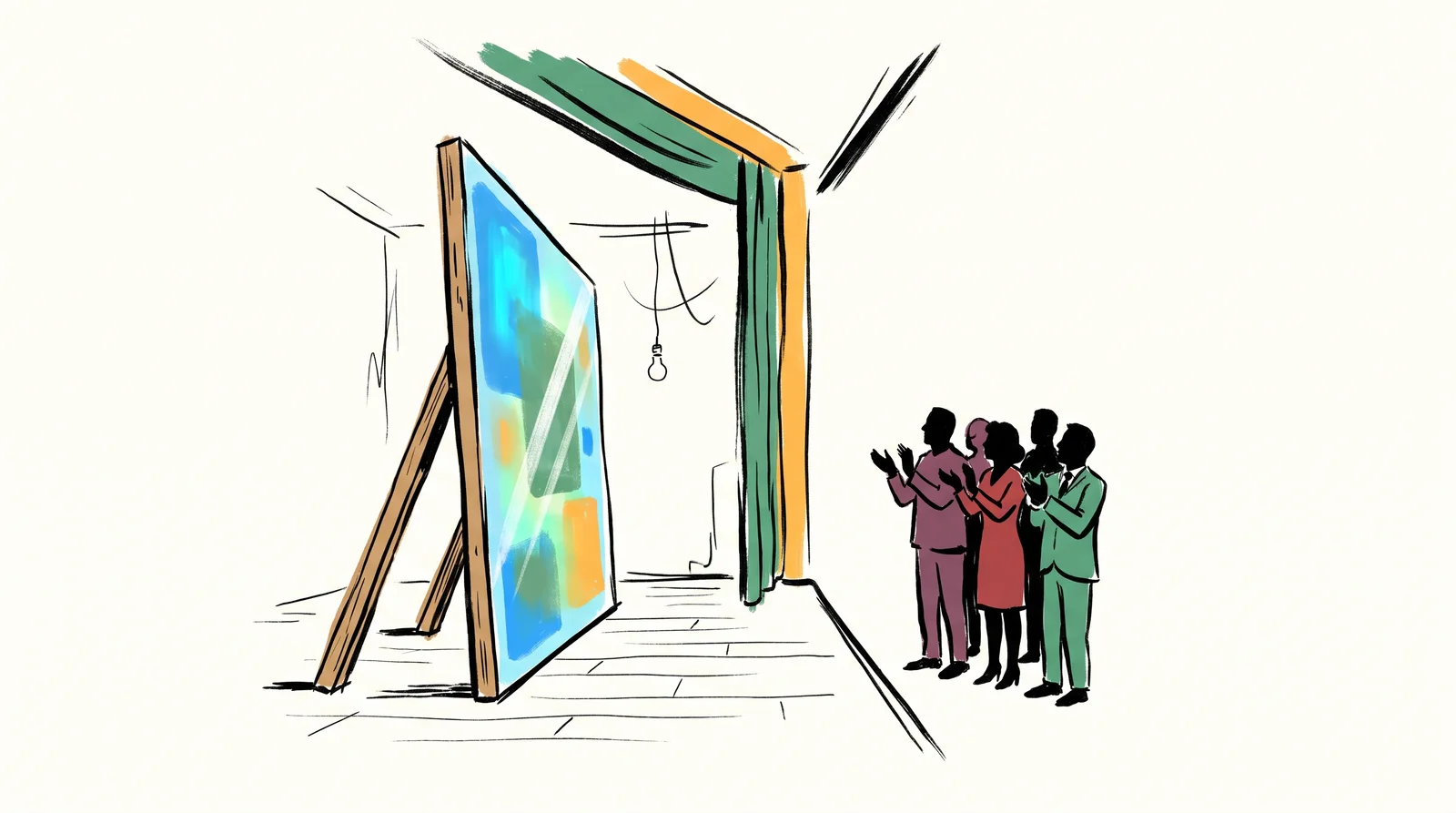
The first change is price. A high-fidelity screen used to cost a designer hours, so teams built habits around that cost. Wireframes existed partly because finished screens were expensive, and stakeholders learned to read a grey box as unfinished and a polished screen as decided. Today Figma's agent, Figma Make, Vercel's v0 and similar tools will produce a polished screen from a sentence in a few minutes. So polish has stopped being a signal. A screen that looks finished now tells you nothing about whether anybody has thought about it, and a client who sees one will assume somebody has.
What did not change is deciding what to build. Ask a model for a settings page, a checkout or a dashboard and you get the average of every settings page, checkout and dashboard it has seen. Sometimes that is exactly right. A settings page does not need an idea in it, and people move faster through patterns they already know. Sometimes the average is the problem, because the product exists to work differently, and the model has no way to know that unless you tell it. Deciding which case you are in is a , and it is still a person's job.
The second change is where the value sits in a file. A screen generated with no behind it is a pile of loose rectangles with made-up spacing and colours. The same request made against a real system comes back built from your components, at your spacing and in your colours, because the system has already made the decisions the model would otherwise invent. That is why a clean library now outweighs any one screen drawn by hand. Figma publishes guidance on setting up a library so that its AI can understand it, and its MCP server lets a coding agent such as Claude Code or Cursor read a frame's components and variables directly instead of guessing from a screenshot. The file has become something a machine reads. Build it to be read.
The third change is the handoff. Designers used to pass a file to a developer and lose some quality in the translation. Now a coding agent can build a working version of a screen, or a clickable prototype wired to real data, in an afternoon, which is a real gain for testing ideas early. It also brings a new failure. Agent-built interfaces tend to look finished and be built wrong, with colours typed in as raw values instead of tokens, a new button where one already existed, and labels missing for people who use screen readers. None of that shows in a screenshot. So designers now read the result the way an editor reads a draft, at every width, with the keyboard and in dark mode.
Surveys show the same split between speed and trust. When Figma asked 2,500 of its users for a report published in April 2025, 78 per cent agreed that AI significantly enhanced the efficiency of their work, yet only 32 per cent said they could rely on its output. Developers were happier with their tools than designers were, and far more of them used AI in the core of the job. Its 2026 report, built on 8,403 survey responses, found that the share of designers taking part in development had doubled in a year to 41 per cent, while 90 per cent of respondents said design was at least as important as it was before AI. The drawing got faster. The deciding did not.
Side by side
What Figma's surveys found, designers against developers
| Designers | Developers | |
|---|---|---|
| Satisfied with their AI tools (2025) | 69% | 82% |
| Say AI improves the quality of their work (2025) | 54% | 68%, though the same report also prints 67% |
| Use AI in the core of the job (2025) | 31%, for work such as asset generation | 59%, for work such as code generation |
| Say learning to work with AI will be essential (2025) | More than 80% | More than 80% |
| Do some of the other side's work (2026) | 41% take part in development, double the year before | 60% do design work, up from 44% |
The 2025 report surveyed 2,500 Figma users and came out on 24 April 2025. Across everyone, 78% agreed that AI made their work more efficient, and only 32% said they could rely on its output. The 2026 report drew on 8,403 survey responses and 639 interviews in ten markets, and came out on 24 June 2026. Core work shows the widest gap.
The words, in plain language
- Fidelity
- How finished a design looks. It used to track effort, and it no longer does.
- Convention
- The pattern users already know. What a model reproduces, reliably and by default.
- Product decision
- What the thing should do, and what it must never do. Still a person's job.
- Design system
- The shared library of components, variables and rules a product is built from. What makes generated screens usable.
- Happy path
- The flow where everything goes right. What generated screens show, and the least of what a real product needs.
- Edge state
- An empty, loading, error or no-permission screen. Where products break for real people.
- Throughput
- How much design a team can produce. Up sharply, which is not the same as better.
Why it matters
Beware of as persuasion. A polished screen wins a meeting whether or not the thinking behind it is any good, and that was true before any of this and is now available to anyone in four minutes. Ask what problem the screen solves before admiring it. Skip that question and a team can spend a month building the wrong thing in high resolution, for a stakeholder who fell for it in the first meeting.
The value moved to the edges. Empty states, error states, missing permissions, the second visit and a slow connection are where products break for real people, and models are weak at every one of them because their training material is full of marketing screenshots of the . A generated dashboard shows twelve tidy rows. It never asks what a new account sees on its first day with none. The Nielsen Norman Group's advice is to design an empty screen on purpose, so that it says what is going on, teaches the next step and offers a way to take it. A designer who spends the saved hours there is doing the part of the job the machine cannot.
without judgement produces more screens and worse products. A team that ships twice as many designs and makes the same number of decisions has not improved. It has added review load. Somebody still has to read every screen for the things a screenshot hides, and that reading takes as long as it ever did, however fast the screens arrived. Judge a team by the decisions it makes and can defend, and by how rarely its work comes back broken from the people who use it.
The rest of this module takes those changes one at a time. It begins with generating a first screen and treating what comes back as a sketch, then shows how a design system makes generated work usable and how an agent turns a Figma frame into code you can review. It covers throwaway prototypes built with a coding agent, interface copy written with a model without losing the brand's voice, and accessibility checked both by software and by hand. The later lessons deal with products that have a model inside them, the screens a product shows when it is empty, slow or broken, research sorted with a model's help, and the review every agent's build needs before it ships. None of it is a step in the campaign project. Treat the module as a side road for designers who work on software, to take now or after the deck is finished.
Elsewhere
- Type
- term
- Period
- ongoing