Hosted video models, hands on

Member lesson

Reference images, and Veo's own sound

Lesson 4 of 10 in Hosted video models, hands on.

Checked against the makers' documentation on 25 September 2026.

Veo 3.1 - Ingredients to video · Google DeepMind
Lesson

Reference images are Veo's answer to a product that has to stay itself. You pass up to three pictures of one subject, each marked as an asset, and describe a scene they do not appear in; Veo tries to keep the subject's look while it builds everything else. The rules are strict. References need an 8-second clip, they work on Veo 3.1 and Veo 3.1 Fast but not on Lite, and Replicate's page for the same model adds that a last frame is ignored when references are present.
frontsidetopas assetsveo 3.1 · 8 snew room, sametinup to three, and only on eight-second clipspictures hold the product; words move the room
Reference images: front, side and top stills of the product, sent as assets to Veo 3.1 at eight seconds, give a new room with the same tin.
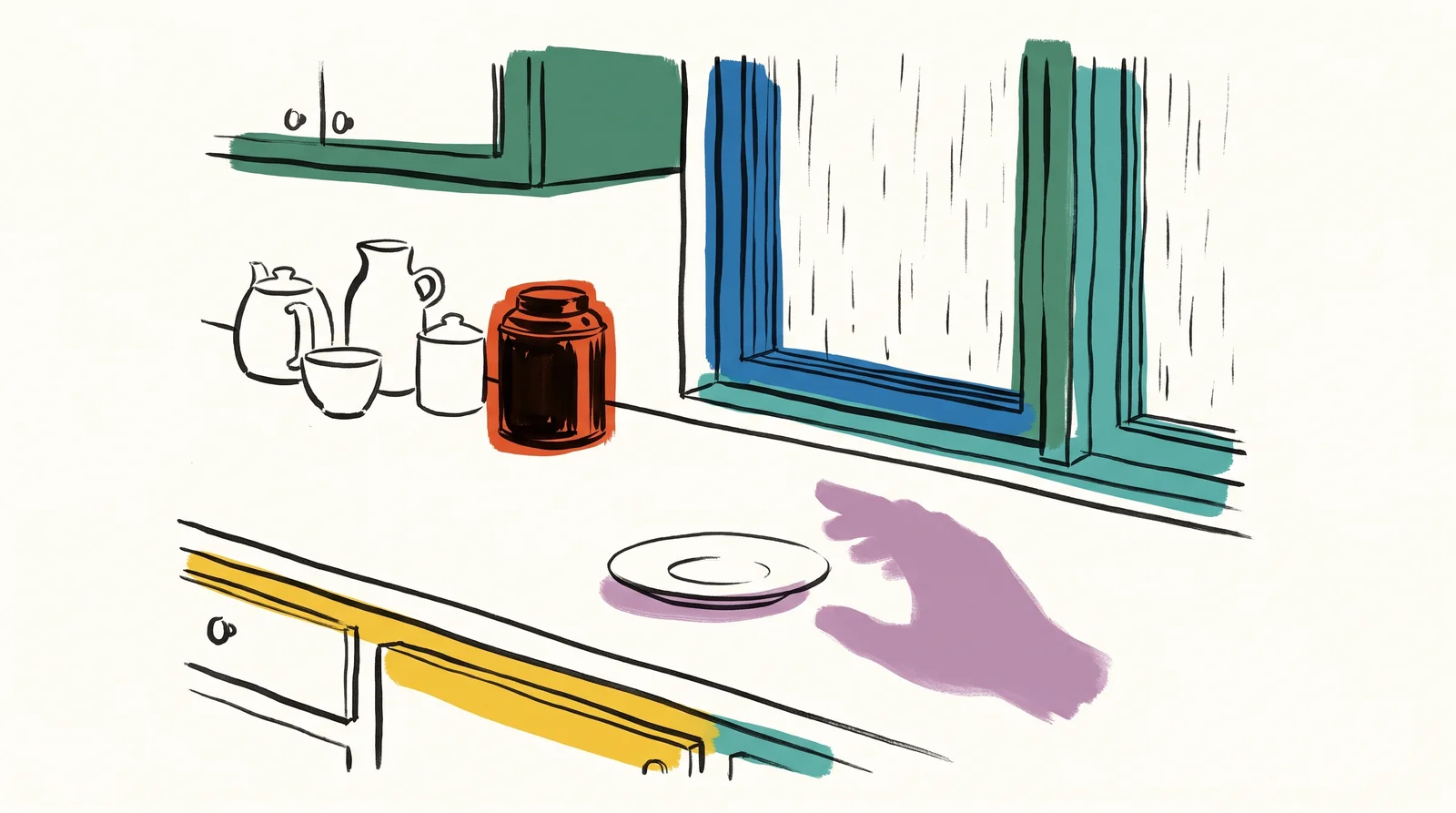
An ink drawing of a kitchen counter by a rainy window, a tea tin and cups at the back, and a soft purple shadow of a hand hovering beside an empty saucer.
Write a sound as an event and the model casts a hand to make it.
Member

The rest of this is for members.

You have read the opening of this lesson. The rest of it comes with a membership.

One membership covers all four courses and Brands.

  • All lessons in the four Learn courses
  • All brand breakdowns in the Brands section
  • All quizzes, flashcards and crosswords
  • An AI teacher on every lesson, for up to 60 questions a day
  • All course material published during the membership

Price

Membership is from $12 a month on the Yearly plan, which is charged at $144 once a year. Lifetime access is $59, paid once.Membership is from ₹200 a month on the Yearly plan, which is charged at ₹2,400 + GST once a year. Lifetime access is ₹3,999 + GST, paid once.

Check what stuck

Members only

You can't take this check yet.

Members answer these 3 questions and keep the ticket for this lesson. Every lesson has one.

  1. Question 1, locked

    Which of these words means this? “A picture of a person, character or product that Veo should keep in a new scene.”

    • Reference image
    • Kept second
    • Shutdown date
    • Operation
  2. Question 2, locked

    Which of these words means this? “The reference type for a thing to keep. Google's Veo examples use no other.”

    • Asset
    • Presigned link
    • Dialogue
    • Flow
  3. Question 3, locked

    Which of these words means this? “Sound Veo makes with the picture. Always on through the Gemini API, and in the price.”

    • Deprecation notice
    • Native audio
    • SDK
    • Ray 3.2

Elsewhere in the library

Hear about new courses.

Leave an email and we will tell you when something new lands. We do not write often.