Sound, edit and finish, hands on

Member lesson

Lip sync, hosted and open

Lesson 3 of 8 in Sound, edit and finish, hands on.

Checked against the makers' documentation on 25 September 2026.

How to Lip Sync any Audio to Video with any AI Model (Wan 2.6, Omnihuman 1.5, etc...) · ElevenLabs
AI lipsync with Sync · Sebastian Kamph
sync-3: the most intelligent lipsyncing model · sync. labs
Lesson

Veo and Gemini Omni make speech, and neither will fit a mouth to speech you already have. Veo 3.1 speaks lines written in quotation marks and its sound is always on, but the API takes no audio input. Omni Flash's docs are blunter. They say voice editing is not supported, uploading audio references is unsupported, and an uploaded video where someone is talking cannot be extended with new dialogue, while editing uploaded video at all is unavailable in the EEA, Switzerland and the UK. For a fixed voiceover, a translation or a changed line, you need a lip-sync model.
lip sync: clip + line inyour clipnew linelip-sync modelnew mouthtalking head: still + line inone stillthe linetalking-headmodelnew cliplatentsync returns 25 fps: set it back to 24only with the person's written consent
Two jobs and two kinds of model: lip sync takes an existing clip and a new line and redraws the mouth; a talking-head model takes one still and a line and makes a new clip.
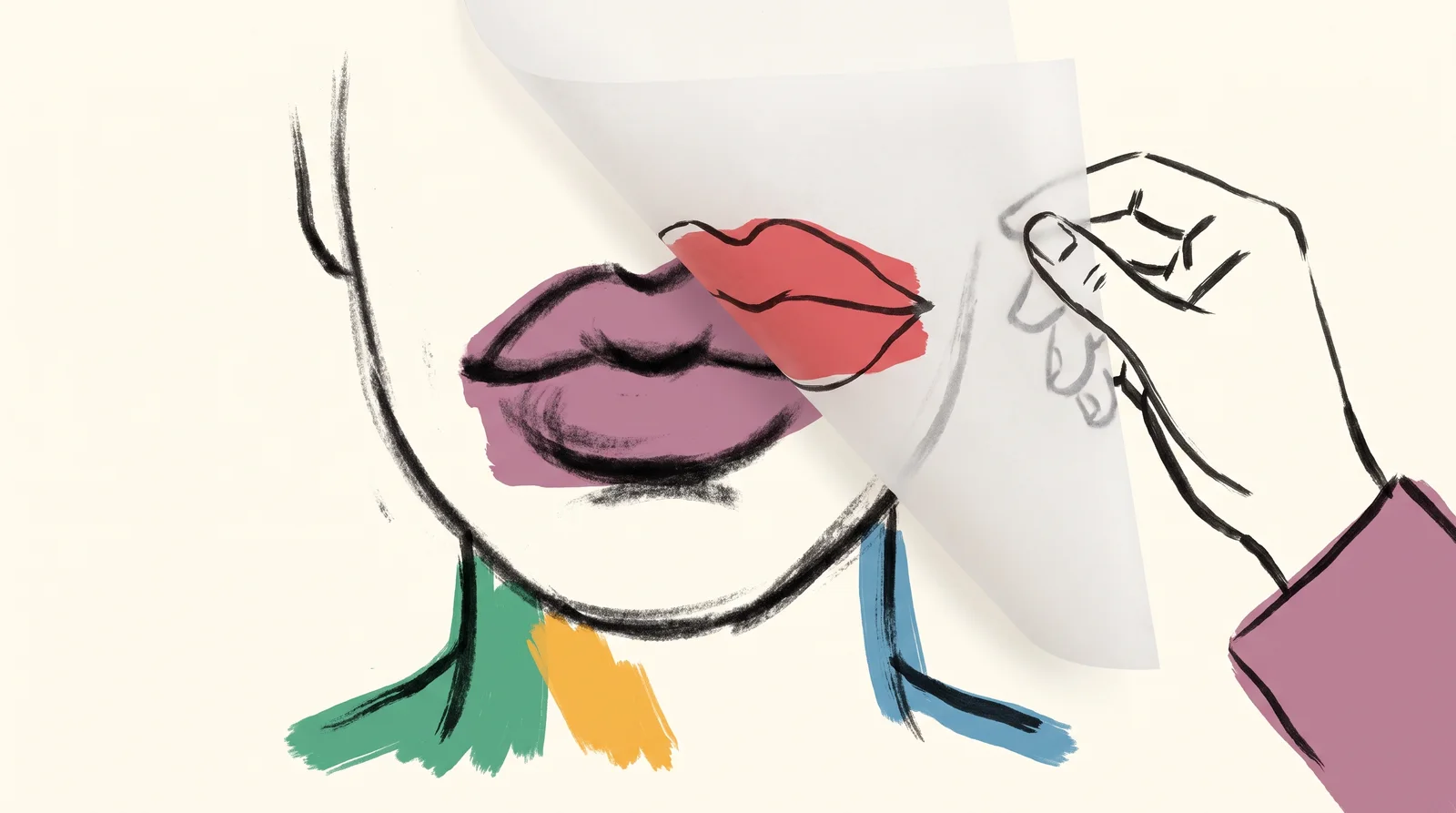
An ink drawing of a face in charcoal with a second pair of lips traced on tracing paper laid over the first, the sheet half lifted by a hand.
Lip sync redraws the mouth over the original.
Member

The rest of this is for members.

You have read the opening of this lesson. The rest of it comes with a membership.

One membership covers all four courses and Brands.

  • All lessons in the four Learn courses
  • All brand breakdowns in the Brands section
  • All quizzes, flashcards and crosswords
  • An AI teacher on every lesson, for up to 60 questions a day
  • All course material published during the membership

Price

Membership is from $12 a month on the Yearly plan, which is charged at $144 once a year. Lifetime access is $59, paid once.Membership is from ₹200 a month on the Yearly plan, which is charged at ₹2,400 + GST once a year. Lifetime access is ₹3,999 + GST, paid once.

Check what stuck

Members only

You can't take this check yet.

Members answer these 3 questions and keep the ticket for this lesson. Every lesson has one.

  1. Question 1, locked

    Which of these words means this? “Redrawing the mouth in an existing clip so it matches new audio. The rest of the picture stays.”

    • Optical flow
    • Lip sync
    • Multiplier
    • Real slow motion
  2. Question 2, locked

    Which of these words means this? “A clip generated from one still and an audio file. A different job, with different models.”

    • Crossfade offset
    • Talking head
    • LUFS
    • Integrated loudness
  3. Question 3, locked

    Which of these words means this? “Sync Labs' rule for audio and video of different lengths, such as cut_off, loop or bounce.”

    • sync_mode
    • True peak
    • Loudness range
    • Normalisation

Elsewhere in the library

Hear about new courses.

Leave an email and we will tell you when something new lands. We do not write often.