Accounts, keys and money

Member lesson

The terminal in twenty minutes

Lesson 2 of 7 in Accounts, keys and money.

Checked against the makers' documentation on 25 September 2026.

Learn Mac Terminal Basics · macmostvideo
Lesson

Open Spotlight, type Terminal and press Return. The window shows a prompt such as name@MacBook-Pro ~ %, where the tilde means your home folder. Four commands move you around it, pwd to print where you are, ls to list what is here, cd to go into a folder (cd .. goes up, cd ~ goes home) and mkdir to make one. The Tab key finishes a half-typed name, the up arrow brings back the last command, and Control-C stops whatever is running, which Apple's guide describes as a signal that causes most commands to terminate.

% python3/opt/homebrew/binfound: homebrewpython/usr/local/bin/usr/binapple's python, neverreached/binpath, top to bottomwhich -a python3 prints this order
The shell looks for python3 in each PATH folder from top to bottom and runs the first one it finds, Homebrew's, so Apple's older copy in /usr/bin is never reached.
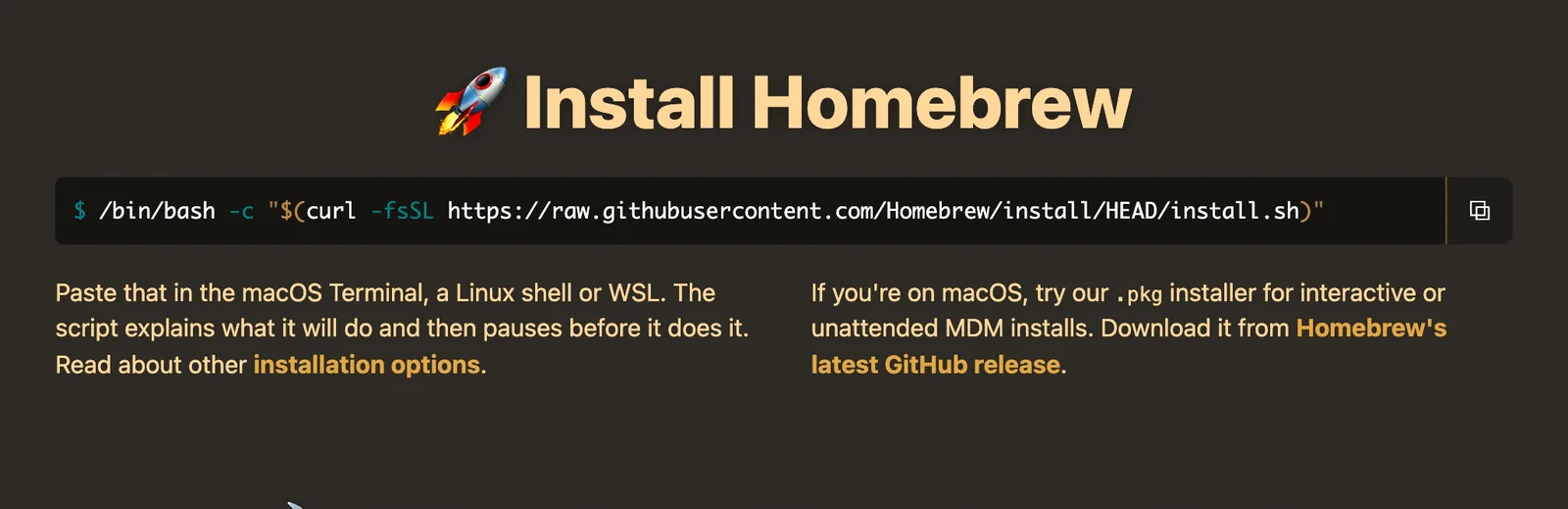
A screenshot of the Install Homebrew section of brew.sh: a single terminal command that fetches and runs the install script, with a note to paste it into the macOS Terminal and that the script explains what it will do and pauses first.
The one line Homebrew asks you to paste, from its own front page. Screenshot of the Homebrew home page, captured 25 September 2026.Homebrew/Screenshot, shown for teaching
An ink drawing of a desk by a window with an open laptop showing a dark empty screen with one small cursor, a blank open notebook and a blue mug, with purple and teal light across the room.
A terminal is a quiet place to type, and nothing on it bites.
Member

The rest of this is for members.

You have read the opening of this lesson. The rest of it comes with a membership.

One membership covers all four courses and Brands.

  • All lessons in the four Learn courses
  • All brand breakdowns in the Brands section
  • All quizzes, flashcards and crosswords
  • An AI teacher on every lesson, for up to 60 questions a day
  • All course material published during the membership

Price

Membership is from $12 a month on the Yearly plan, which is charged at $144 once a year. Lifetime access is $59, paid once.Membership is from ₹200 a month on the Yearly plan, which is charged at ₹2,400 + GST once a year. Lifetime access is ₹3,999 + GST, paid once.

Check what stuck

Members only

You can't take this check yet.

Members answer these 3 questions and keep the ticket for this lesson. Every lesson has one.

  1. Question 1, locked

    Which of these words means this? “The Mac app that runs programs by name from a text prompt.”

    • Google AI Studio
    • Terminal
    • Virtual environment
    • Homebrew
  2. Question 2, locked

    Which of these words means this? “The program reading what you type. On a Mac it is zsh.”

    • Virtual environment
    • Shell
    • Homebrew
    • PATH
  3. Question 3, locked

    Which of these words means this? “The list of folders the shell searches, in order, for a command.”

    • Rotation
    • Environment variable
    • PATH
    • Scope

Elsewhere in the library

Hear about new courses.

Leave an email and we will tell you when something new lands. We do not write often.