An AI is a piece of creative work written down as a fixed series of , so that it runs the same way each time. Engineers call the same thing a pipeline, and this course uses the two words for one idea. The opposite is the chat window, where you type a request, look at what comes back and type again. A chat window is excellent for exploring and poor for delivering. Nothing is recorded in a form you can rerun, nothing repeats exactly, and the quality of the output depends on who was typing and how tired they were. That works for ten images. By the hundredth image the missing record has become the problem, and nobody can say how the good ones were made.
Take a real job. A skincare brand needs its forty products shown on the same stone surface, in the same morning light, at 4:5 for its shop and 9:16 for stories. As a workflow, that becomes eight steps. The brief goes in, the product photograph is attached as a reference, the model makes four candidates, a person picks one, and the chosen image is upscaled, graded to the brand's colour, exported at both sizes and filed under a name that says what it is. Each step has one job, one input and one output. So each can be tested on its own, and the whole thing produces the same kind of result on Tuesday as it did on Friday.
The part a chat window loses is the record. Generation is random by design, since most image models start from noise and a number called the decides which noise. A workflow writes down everything that produced each image, meaning the prompt, the reference files, the seed, the model and its exact version, and every setting. With that record you can make one more picture in the same style when the client asks for it in March. A perfect repeat is not promised. Hugging Face's guide to reproducibility in its diffusers library says randomness can be limited but not guaranteed even with an identical seed, and a hosted model can be updated behind the same name. So a good workflow also keeps the approved files, as the reference for anything made later.
A workflow does not need special software. The simplest is a written checklist with the exact prompt template pasted in, which already beats memory. The next is a , where each step is a box with named inputs and outputs and the wires between boxes set the order of work. ComfyUI, which is open source and can run on your own computer, is the best known, and Figma Weave, the product Figma made from Weavy after buying it in October 2025, puts the same idea in a browser. The most automated form is a short script that calls a model through its API, works down a spreadsheet of products and saves every result with its settings. Pick the lightest form that stops the work depending on anyone's memory.
Automating a workflow is mostly a decision about where the people stand in it. The next lesson, Where to put a human in the loop, makes that decision in detail. What matters here is what a chat window hides. In a chat a person is present at every step, so the chores and the judgements share the same tired attention. A workflow pulls them apart. The steps that need judgement become gates with a person at each, and everything else becomes machinery, which is what should run without anyone watching.
People who run these every day still use a chat window. They use it for what it is good at, which is finding a direction. Once a prompt, a reference and a setting have produced something the client likes, they freeze those choices into the workflow and stop improvising. They also start small. The first workflow worth building is the handful of steps you already do every single time, and the temptation to draw the whole studio as a graph on day one is how people end up with a diagram nobody runs.
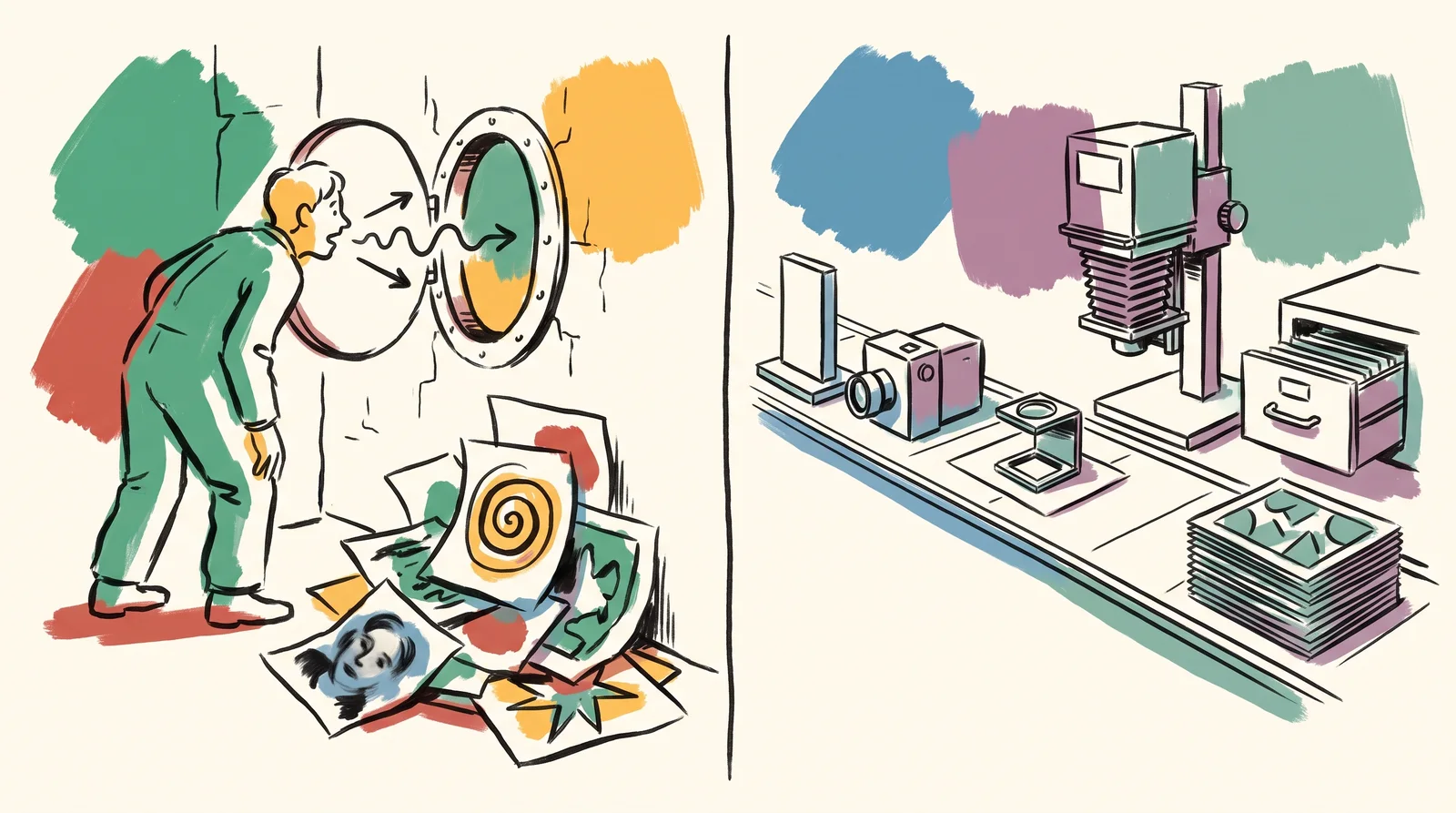
Try this
Find the four steps you already repeat
Open the history of the last ten images you made in a chat tool. For each one, write down every step you took as a verb and an object, such as 'pasted the brief', 'attached the bottle photo', 'asked for 4:5' or 'renamed the file'. Then mark the steps that turn up in all ten.
Time: 30 minutes. You need: The chat history behind ten finished images, a sheet of paper or a spreadsheet.
Look for
- The steps present every single time. In that order, they are your first workflow.
- Steps done differently each time for no reason, such as the aspect ratio asked for in three different ways.
- Steps that are judgement, like picking one frame out of four. Those stay with a person.
- Places where the brief's wording drifted between images without anyone deciding to change it.
- For one finished image, whether the history kept its prompt, its reference files, its model and any seed. Whatever is missing is what the workflow must record.
- Anything you cannot reconstruct from the history. Nothing recorded it, and a workflow would have.
The words, in plain language
- Workflow
- A piece of creative work written down as fixed steps that run the same way every time. Engineers call it a pipeline.
- Step
- One operation with an input and an output. Testable on its own.
- Seed
- The number that decides the random starting point of a generated image. Record it with everything else.
- Reproducible
- Able to be run again and give the same result, or very close to it. The whole point.
- Human gate
- A point where the workflow stops until a person approves. Usually the brief, the selection and the final check.
- Node graph
- A workflow drawn as boxes and wires, where the drawing is also the thing that runs.
- Ad hoc
- Done by hand, differently each time. Fine for one image, fatal for forty.
Why it matters
A workflow makes quality a property of the system instead of the person. A studio whose good results depend on one person having a good day cannot grow, cannot take a holiday and cannot hire, because the method lives in one head. Written down as steps, the method can be taught to a new junior in an afternoon. It outlasts the person who built it.
It also makes faults findable. When an image comes out wrong in a workflow, you can say which step produced the fault. A label that went soft points at the upscale, a colour that drifted points at the grade, and a product that changed shape points at the reference step. When an image comes out wrong in a chat window, all you can do is try again, and you learn nothing about why.
The common mistakes are predictable, and each has a price. Automating the choice as well as the chores ships an image nobody chose, which is how a wrong label reaches a client. Skipping the record means the approved look cannot be made again when the client wants six more. The third mistake costs the most, and it is running a batch without doing the arithmetic. Three products at four angles on five backgrounds with three seeds each is 180 images, and one more variable with four values takes it to 720. Write the number down. Then put a spending limit on the run before you press the button, because a typo in an overnight batch is paid for in full.
The rest of this module builds the workflow out one part at a time. First, where the human checks belong and why. Then node graphs that make each step visible and repeatable, and batching dozens of images without losing count. After that it turns to keeping versions of images the way programmers keep versions of code, naming and filing so that work can be found again, and getting a clear decision out of a client review. It ends with the practical side: keeping costs down, recovering when a run dies halfway, and writing the workflow down so that a colleague can run it without you.
Elsewhere
- Type
- term
- Period
- ongoing