A workflow is something a person runs. A is a workflow that runs itself. Something happens, such as a file landing in a folder, a form being sent or a clock reaching six in the morning, and the work starts with nobody pressing a button. When it goes wrong, the system tells somebody. The difference between the two has almost nothing to do with the creative work, and sits instead in the parts around it, which are the , storage, error handling, logging, spending limits and a way to tell when something is broken. This lesson walks through those parts in the order you meet them, so that you can decide whether your studio needs one.
Picture a homeware shop that adds about thirty products a month. Each time the team uploads a new product photograph on white to its catalogue, it wants four lifestyle images for the product page and two vertical ones for stories. As a workflow, a designer does that by hand every Friday. As a system, the upload itself is the trigger. The system checks the file, sends it with the approved prompt template to an image model, waits for the results, runs automatic checks on them, saves the survivors with a record of how each was made, and messages a person to approve them. Friday becomes ten minutes of choosing.
Two ideas hold the whole thing together. The first is the , the written agreement about what goes in and what comes out. For the homeware shop it might say a JPEG at least 2,000 pixels on its long side, on a white background, with a product name attached, and six images back at stated sizes. Anything that breaks the contract is turned away with a clear reason instead of being half-processed. The second idea is the API, the door a program uses to ask a model for work. A system never types into a chat app. It sends a request that names an exact model version, and that model's documentation tells you what it will accept, how often you may call it and how it bills.
Generation is slow by the standards of the web. An image takes seconds and a video can take minutes, and many web servers give up on a request long before that. So a system does not keep the person waiting on an open connection. It accepts the job, puts it in a , answers at once, and lets a separate worker pick the job up and store the result when it is done. IBM's explanation of message queues gives the reason, which is that messages wait safely until the receiving program is ready, so nothing is lost when a network or a worker fails. Failures still happen. Google's guidance for its own cloud storage is to retry only temporary errors, such as a timeout or a rate limit, with waits that grow longer each time, and to retry only steps that are safe to run twice.
A system also has to judge its own output, because nobody is watching when it runs at six in the morning. Automatic quality checks, later in this module, builds that gate from cheap measurements and narrow questions to a vision model. Whatever passes is stored with its record. That record names the model, the prompt, the references and the person who approved it, and Content Credentials, a standard hosted by the Coalition for Content Provenance and Authenticity, can attach part of that history to the file itself.
Most studios should stop at a good workflow. Crossing into a system is a decision to take on software upkeep, and it pays only when the same job runs often enough that the upkeep costs less than the labour it saves. The arithmetic fits on paper. A job that runs twenty times a month at forty-five minutes each is fifteen hours of work. If the system needs four hours a month of watching, fixing and checking bills, it saves eleven, which makes it worth building. If the job runs twice a month, a well-documented workflow that a person starts is the better tool, and it costs nothing to keep.
Try this
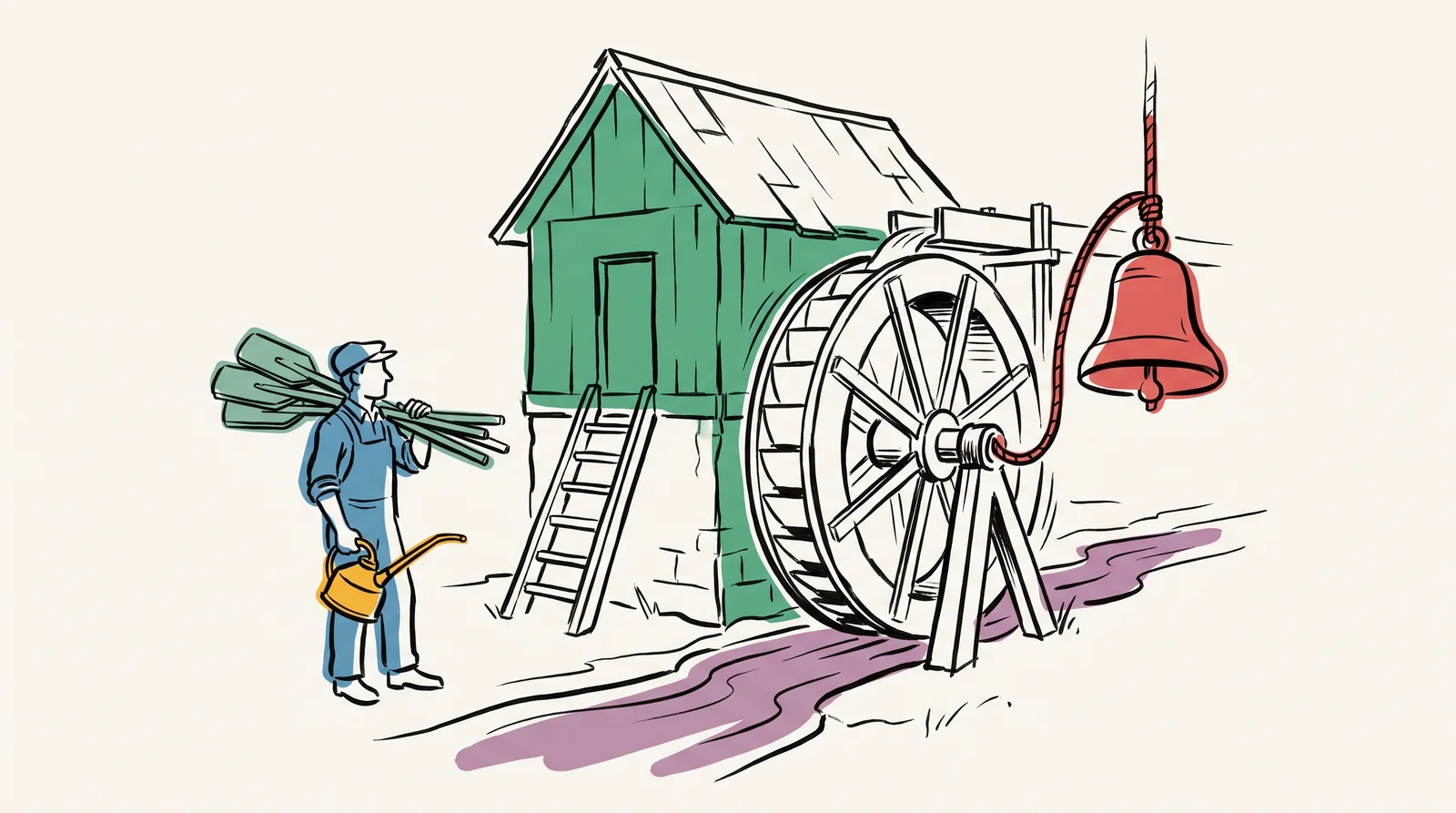
Hours saved against hours of upkeep
Pick the job you run most often. Write down how many times a month it runs and how long it takes by hand each time. Then list what a system for it would need (a trigger, storage, error handling, logging, limits and an alert) and write beside each one who would build it and who would keep it running.
Time: 40 minutes. You need: A month of your own job history, the current prices of the models and hosting involved.
Look for
- Hours saved a month against hours of upkeep a month. If they are close, stop at a script that a person starts.
- Whether you can write the contract in three lines: what comes in, in which formats, and what goes out.
- What the system should do with a file that breaks the contract, and who hears about it.
- Which of the parts nobody on the team has built before.
- Who watches it while you are on holiday.
- The monthly bill for the running system, with models and hosting on separate lines.
The words, in plain language
- System
- Something that runs without a person starting it, and tells you when it did not.
- Trigger
- What starts a run. A schedule, an upload, a request or a message.
- Contract
- The agreed shape of what goes in and what comes out, and what happens when the input is wrong.
- API
- The door a program uses to ask a model for work, in place of a person typing into a chat app.
- Queue
- A waiting line for jobs, so a long render never holds up a web request and nothing is lost when a worker fails.
- Idempotent
- Safe to run twice. A step that can be retried without making a second copy or a second charge.
- Operational burden
- What it costs to keep the system running. Usually more than building it.
Why it matters
Define the contract first. Write down what goes in, what comes out, and what happens when the input is wrong. Systems that grew without a stated contract are the ones that break every time a client sends a file in a new format, such as a HEIC photo straight off an iPhone or a PDF where a JPEG was expected. Each of those failures costs a morning of somebody's time. If the system fails silently, it also costs a batch of images that nobody notices are missing until the client asks.
Count the upkeep honestly before starting. Somebody has to watch the system, patch it, pay for it and fix it when a provider changes how its API works or retires the model you built around. That commitment carries on long after the build is finished. The quiet failures are the dangerous ones. A model update can make the output a little worse overnight without anything crashing, and a loop with no spending ceiling can run up a bill before anyone is awake to see it.
Build the smallest system that removes the most work, and then stop. The most common failure here is a studio designing an ambitious platform and shipping none of it, when a short script that did one job would have paid for itself within a month. Growth can come later. Start with one trigger, one model and one check, and add the next part only when its absence has actually cost you something.
The rest of this module takes each part of a system in turn. It starts with APIs and how to read a model's documentation for the limits that matter, then covers queues for jobs that outlast a web request, and caching so that the same image is never paid for twice. After that come automatic quality checks, storing and serving generated files, and keeping a record of rights and provenance that a client can rely on. The last lessons deal with rate limits and budgets, monitoring a system that runs while nobody is looking, and handing a finished system over to a client.
Elsewhere
- Type
- term
- Period
- ongoing